


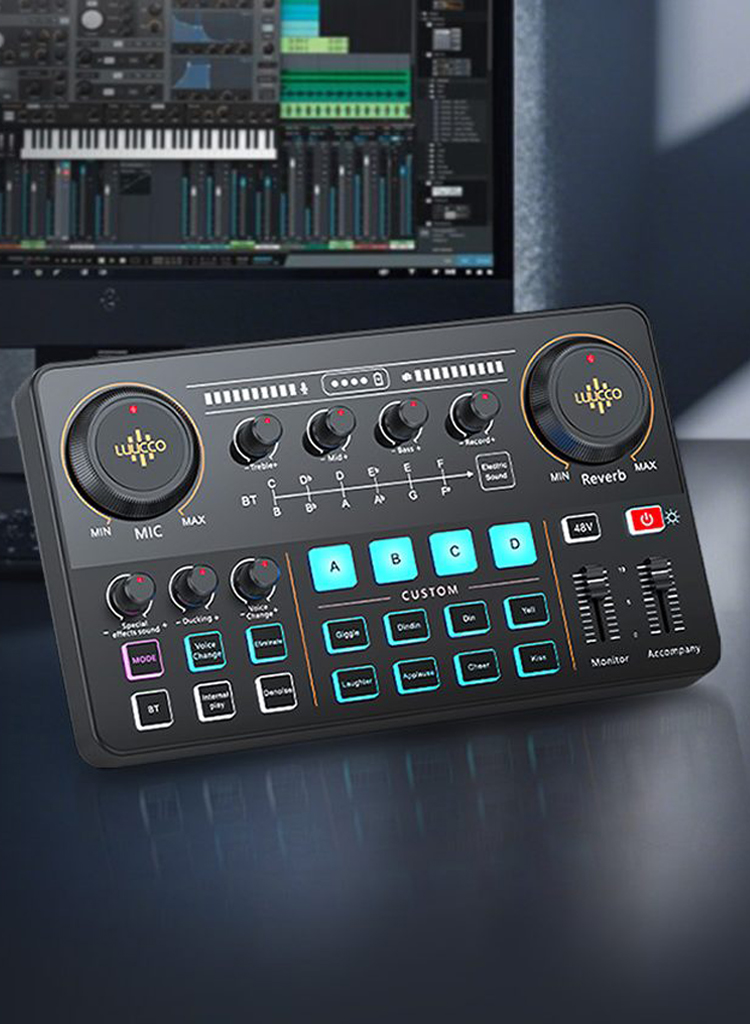
Clear and professional audio is essential for video production, live streaming, interviews, podcasts, and online education. While built-in device microphones often capture too much ambient noise, a wireless lavalier microphone provides consistent voice recording by positioning the mic close to the speaker.
However, simply using a wireless mic is not enough. Proper setup, environment control, and high-quality equipment—such as professional solutions from LUUCCO—are key to achieving studio-level sound.
The foundation of good audio starts with reliable hardware. A professional wireless system ensures stable transmission, clear voice capture, and compatibility with cameras, smartphones, and computers.
For creators and professionals, LUUCCO offers a range of wireless audio solutions, including:
These systems provide stable wireless transmission and clear audio capture, helping creators achieve professional results across multiple recording scenarios.
Mic placement has one of the biggest impacts on audio quality.
Best practices:
LUUCCO lavalier microphones are designed with lightweight clips and compact form factors, making proper placement easier during filming or presentations.
Wireless interference can cause dropouts, static, or inconsistent audio.
To improve signal reliability:
LUUCCO wireless microphone systems are designed to maintain stable long-range transmission, making them suitable for interviews, events, and mobile filming.
Proper gain staging ensures your voice sounds natural and distortion-free.
Tips:
Many professional systems—including LUUCCO’s wireless microphones and audio interfaces—allow creators to monitor and adjust audio levels for optimal clarity.
Recording environment plays a major role in audio quality.
Improve sound by:
For outdoor recording, using windshields or foam covers on your LUUCCO lavalier microphone can significantly reduce wind noise.
Small accessories can make a big difference in professional recordings.
Recommended tools include:
These accessories help maintain consistent audio quality across different recording environments.
Routine checks ensure your wireless microphone performs reliably.
Maintenance tips:
LUUCCO products are designed for durability and professional use, making them reliable tools for long-term content creation.